NeuroCube
A Very Rough Prototype and Future Directions
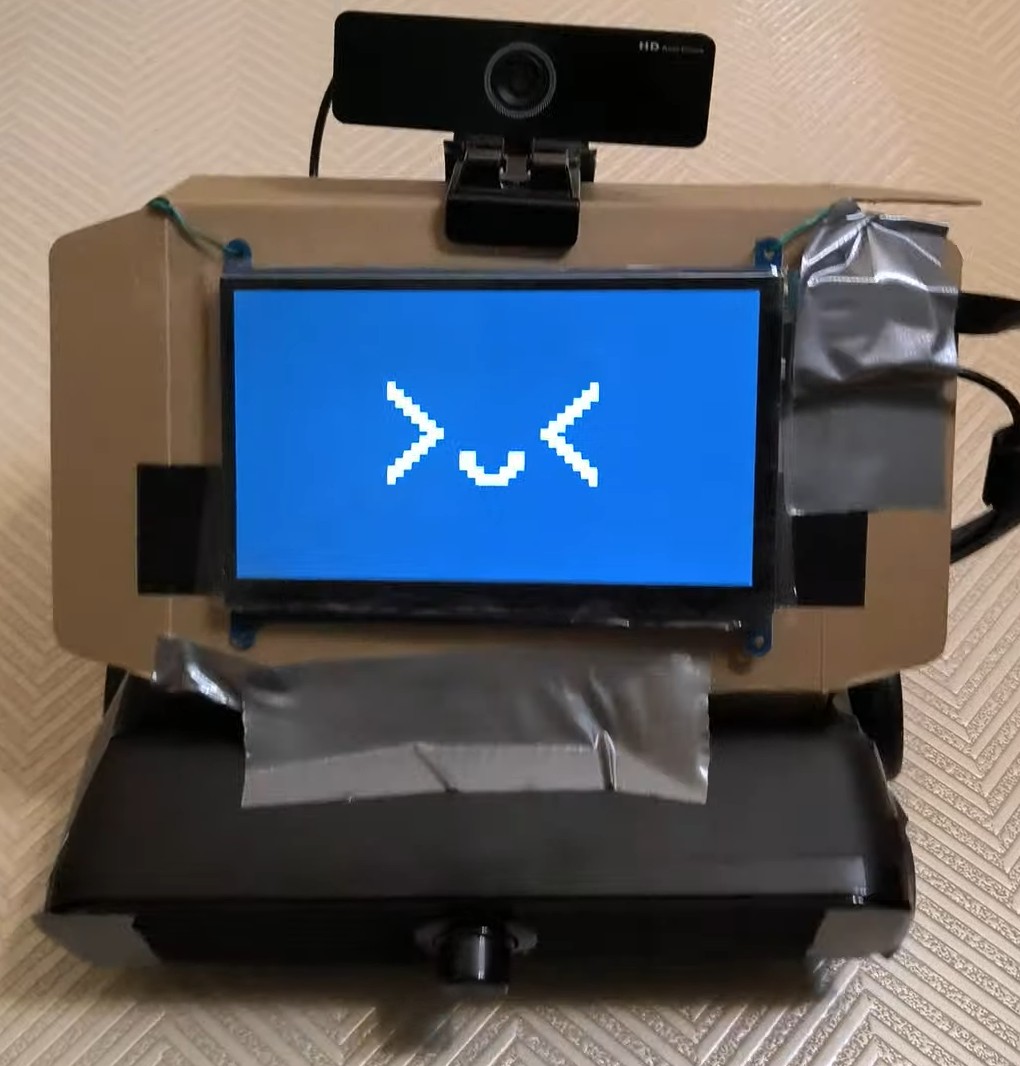
NeuroCube is still in the early stages of development and will continue to learn and evolve over time ( •ᴗ• ). Here is a very rough prototype:
Core Components
Display
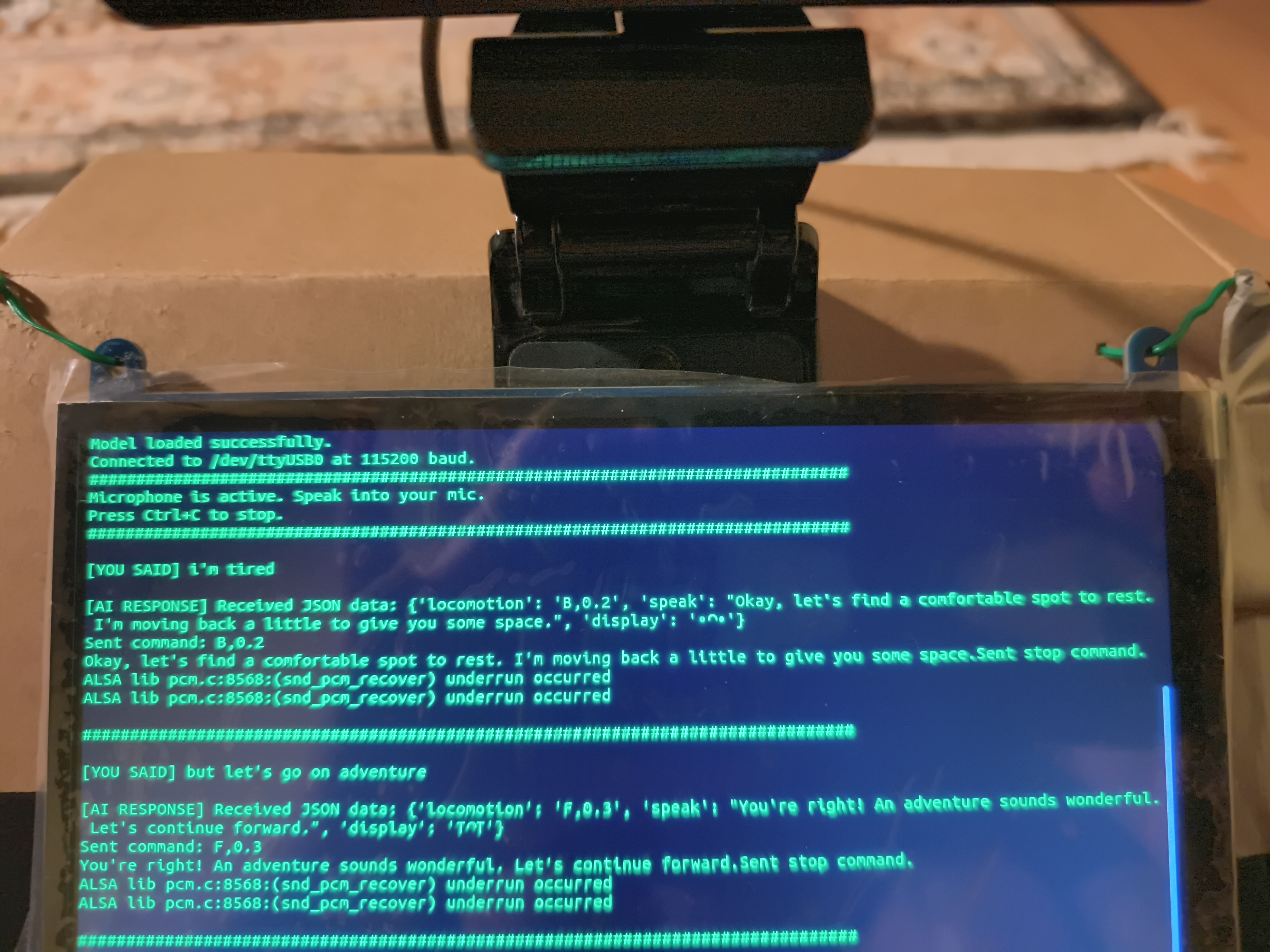
- Emoticons are displayed on the screen to convey the robot’s mood.
Speaker
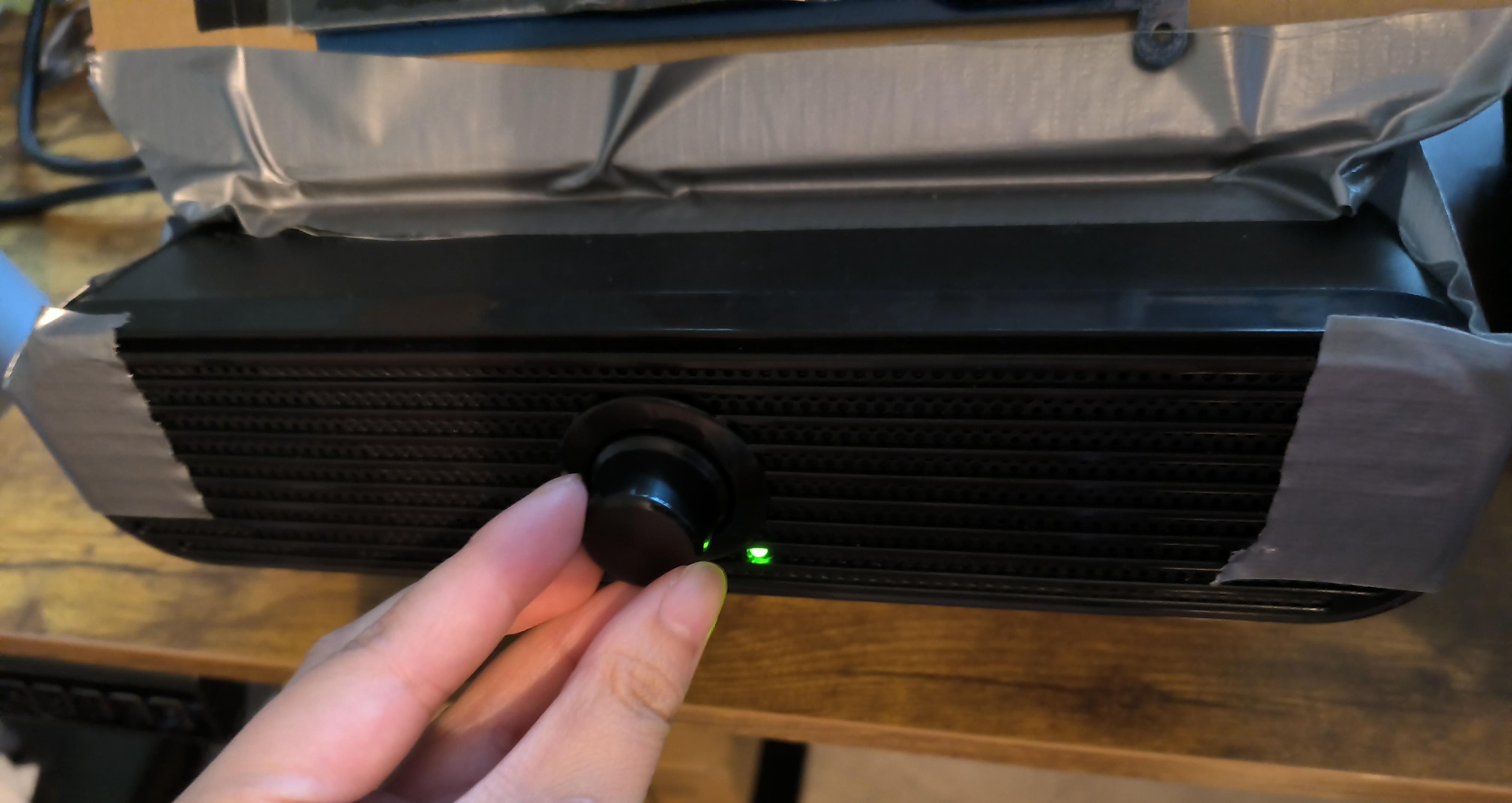
- NeuroCube can chat with the user and answer basic questions using Piper TTS.
- For questions that require online information, the robot can search the web and provide answers (not always accurate at the moment!).
Camera with Microphone
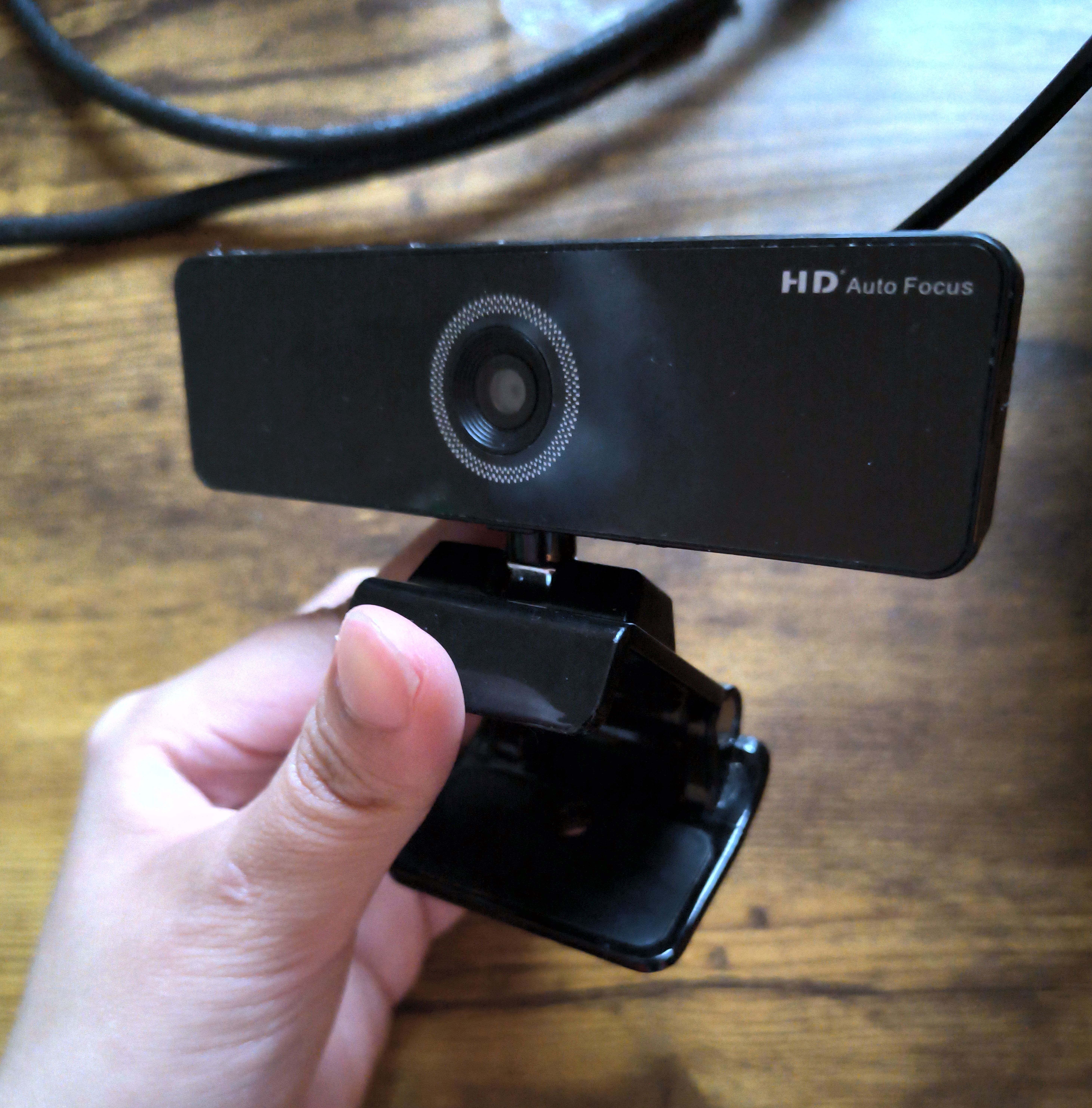
- The camera allows recognition of objects and people using YOLOv10s.
- Distance of each detected object is estimated using Depth-Anything-V2-Small (Indoor Metric).
- The microphone captures real-time transcriptions using Vosk ASR to allow NeuroCube to understand human voice commands.
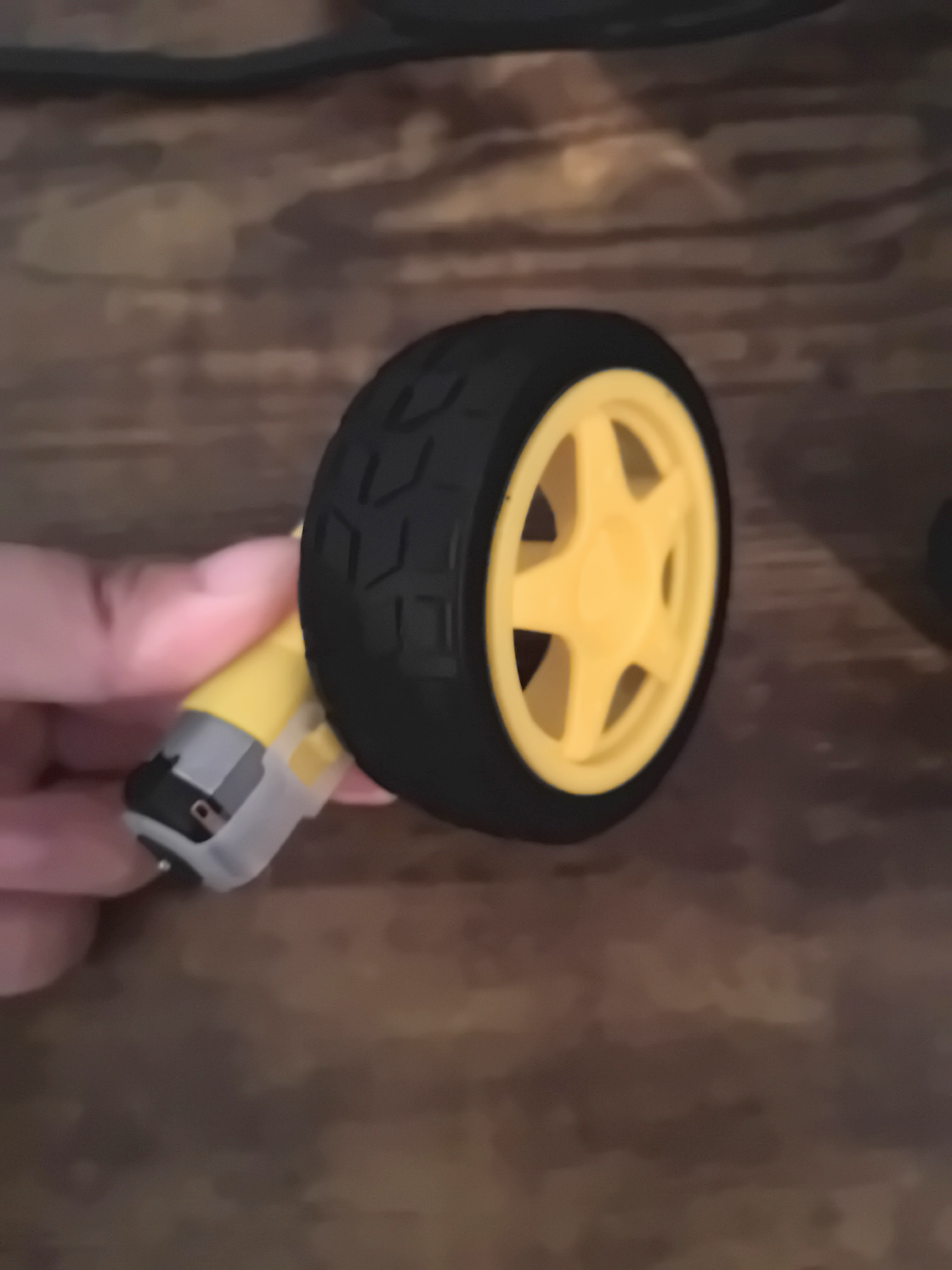
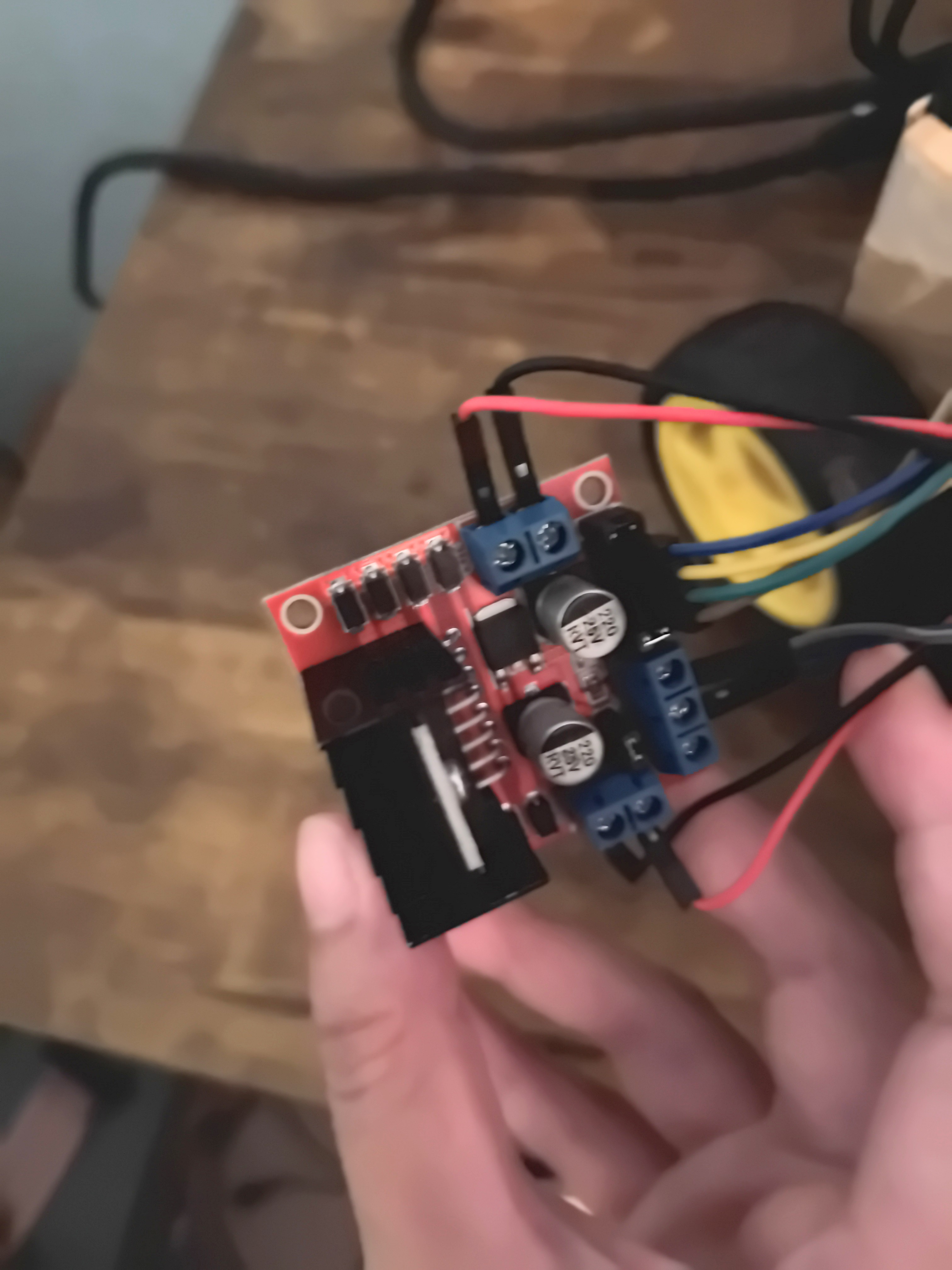
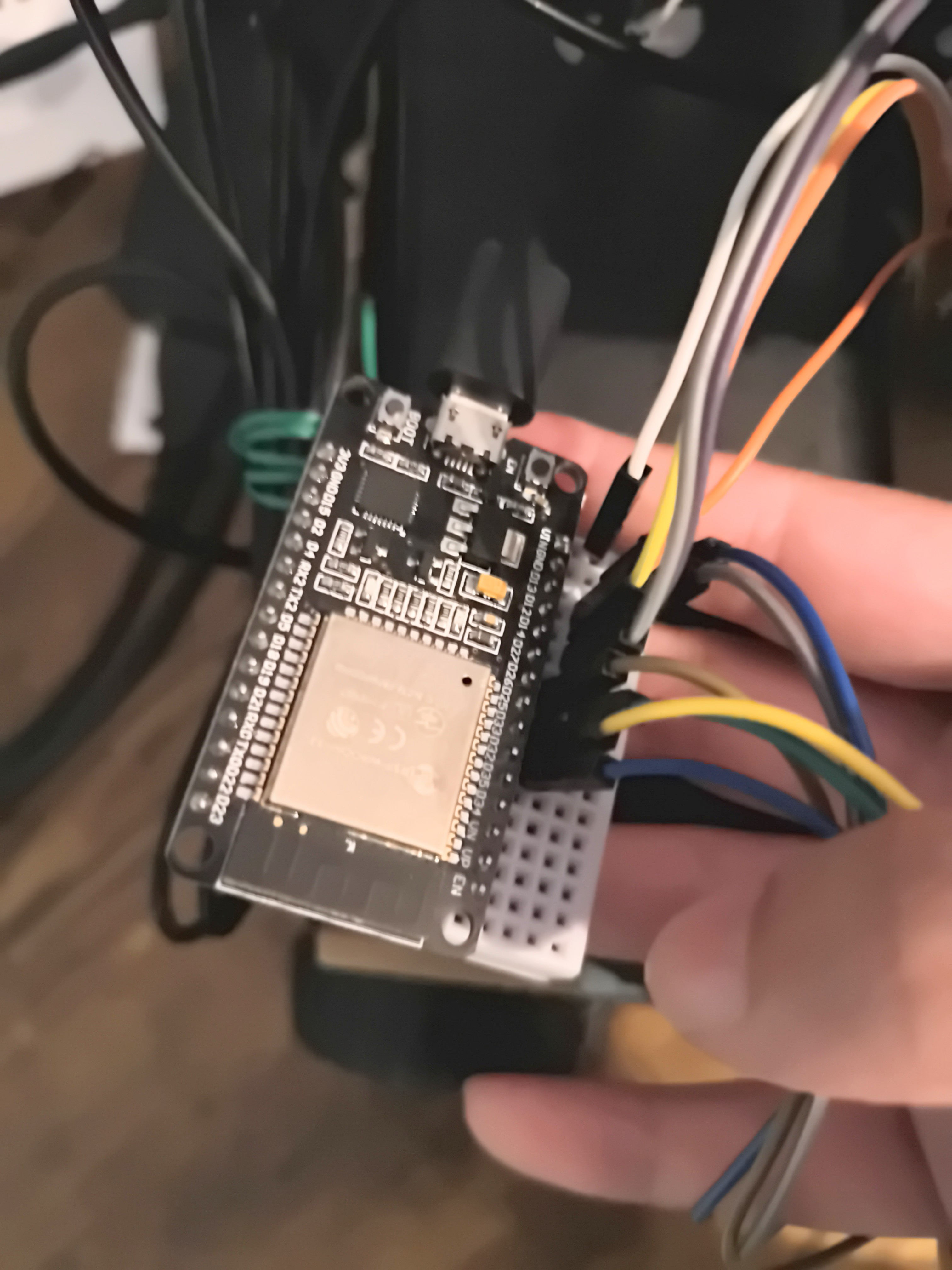
Motors, Wheels, Drivers, and ESP32
- The robot can perform basic tasks such as moving around in response to human voice commands.
- It uses a motor driver to control the motors and wheels.
- The ESP32 is used to control the motors and wheels, receiving commands via USB from the on-board computer.
On-Board Computer
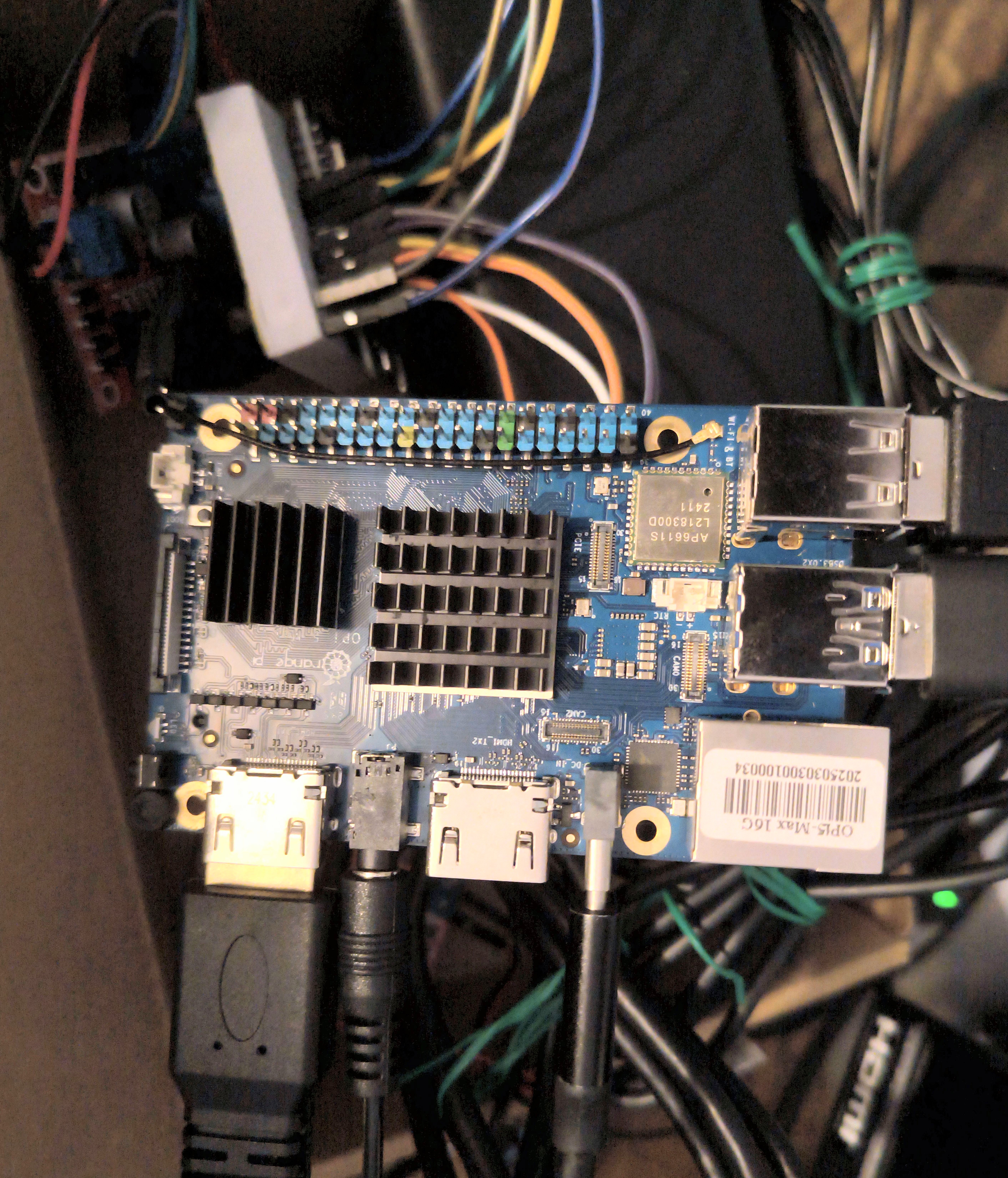
- The robot is powered by an Orange Pi 5 with an RK3588 NPU.
- All visual and audio processing is done on the Orange Pi, which runs Ubuntu-Rockchip-22.04.
- The Orange Pi connects to the ESP32 via USB, effectively acting as a communication bridge between the server and the motors.
Server
- The server is hosted on a Linux machine, running a fine-tuned Qwen3 on an RTX 3090 GPU.
- All heavy computations such as LLM inference, fine-tuning, and simulation are offloaded to the server, while the robot acts as a lightweight client.
Next Steps
- Improve search functionality
- The current approach is to use duckduckgo web search and try to summarize the top 5 relevant results. Since information retrieved is largely unorganized and sometimes irrelevant (due to how duckduckgo works), the robot may not always provide accurate answers.
- Next Steps: Use a more structured search engine or an additional layer of processing such as AI summarization to improve the accuracy of the information provided.
- Integrate MCP tool calling
- My current implementaton uses a custom framework that sends and receives JSON messages from the robot to execute commands and functions.
- Next Steps: I am just starting to learn about MCP (Model Context Protocol) and am setting up a system that allows the robot to call tools in a more robust and standardized way.
- Digital twin
- I’m still learning about Isaac Sim and how to build the robot’s digital twin for simulation and testing.
- Next Steps: Setup robot and environment in Isaac Sim based on real-world sensors and conditions.