Entry #5: Switchable Modes
Omocube can switch between different modes of operation. This allows it to adapt its behavior based on the situation and its current needs.
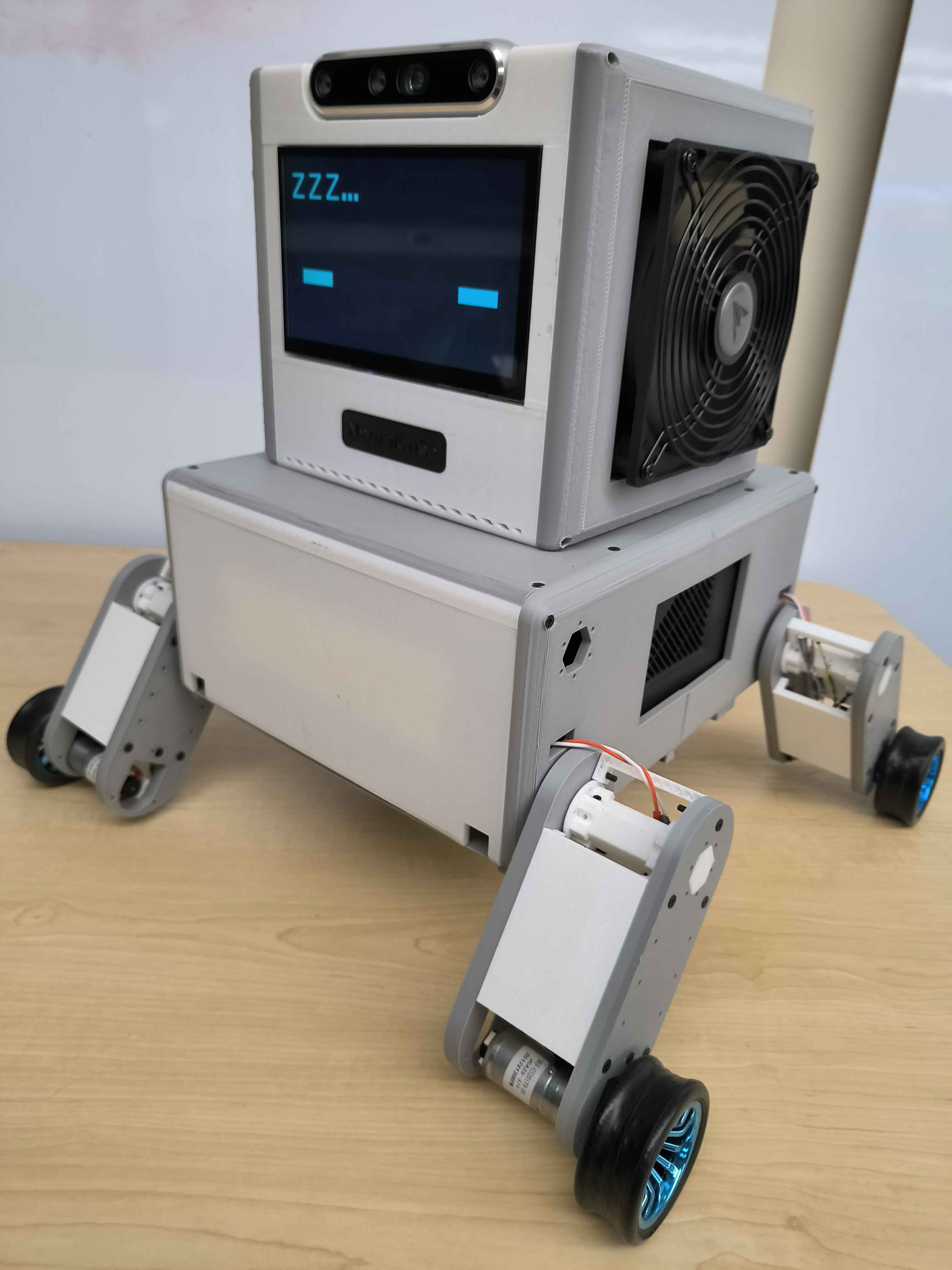
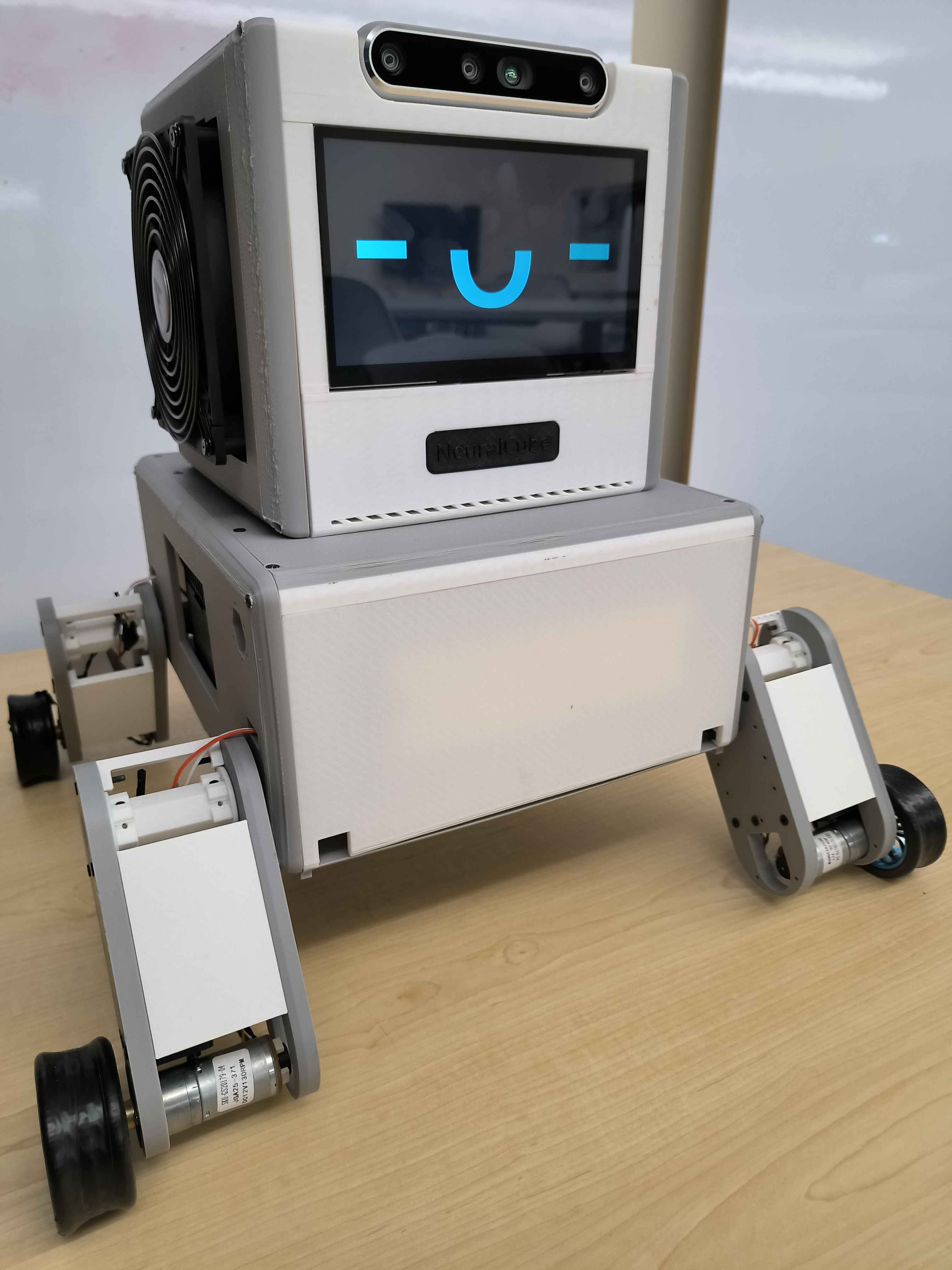
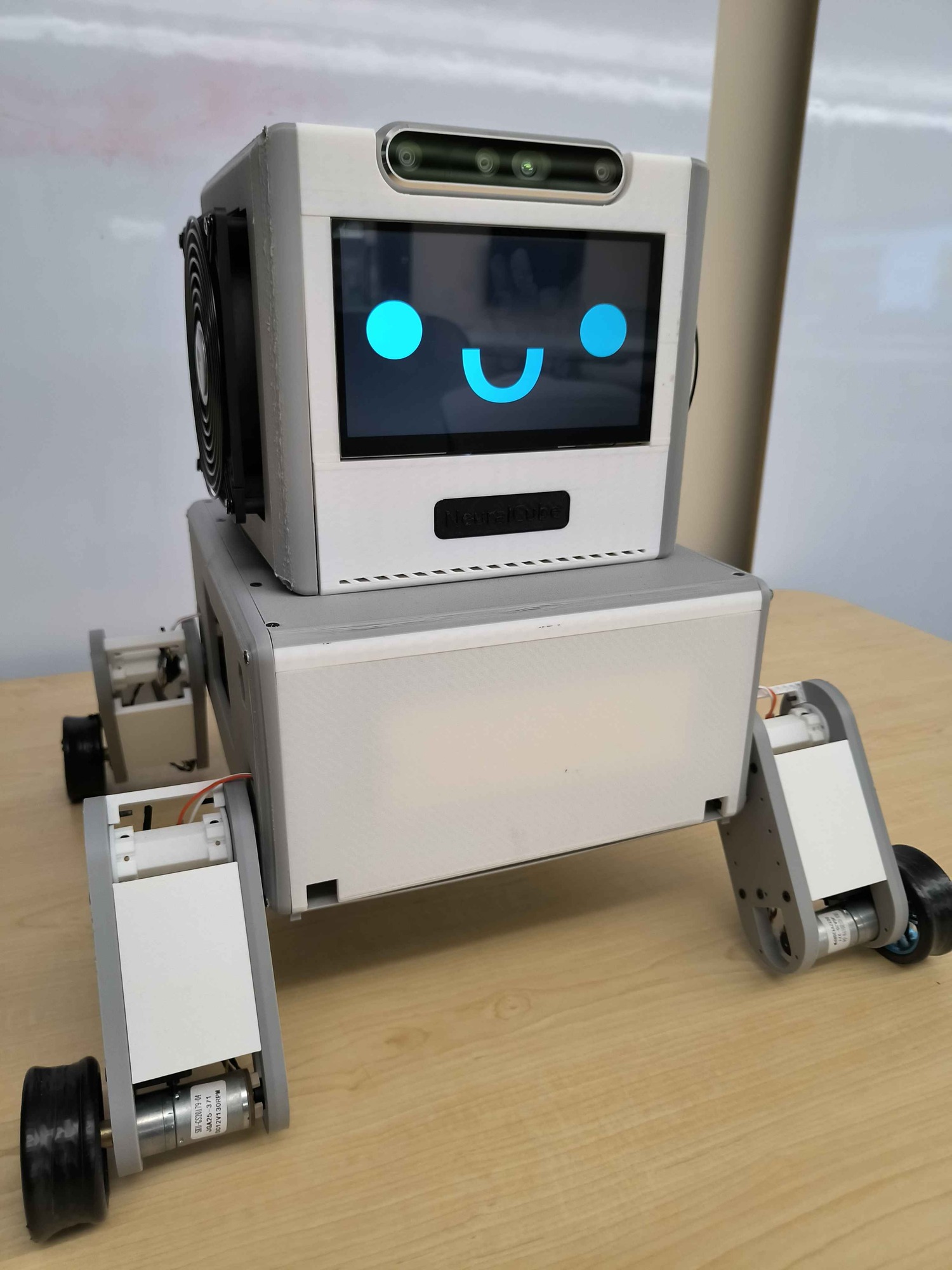
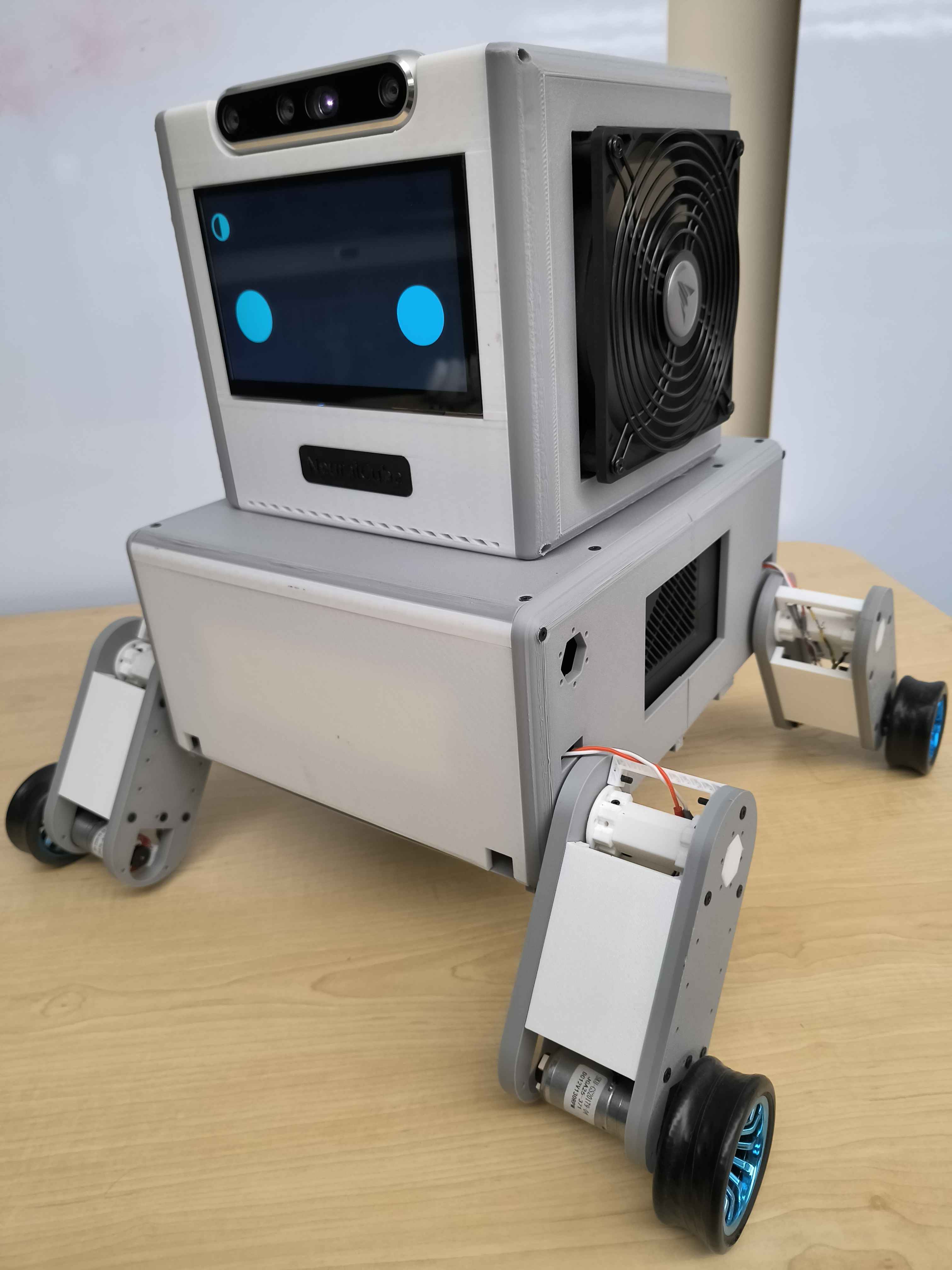
Omocube typically moves itself between modes depending on its intent and schedule. When Omocube gets bored, it may drift into sleep mode. When it feels like exploring or interacting with something, it may switch to auto mode. When it is done exploring, it drifts into passive mode. This happens autonomously but a human can manually move Omocube between modes from the dashboard or from the touch screen.
| Mode | Hears the room | Talks back | Uses its tools | Acts unprompted | You drive it |
|---|---|---|---|---|---|
| Sleep | Limitedwake word only | No | No | No | No |
| Passive | Yeslistens, stays quiet | No | No | No | No |
| Active | Yes | Yes | Yes | No | No |
| Auto | Yes | Yes | Yes | Yes | No |
| Teleop | Yes | Yes | Limitedself-driving paused | No | Yes |
YesLimited — see noteNo